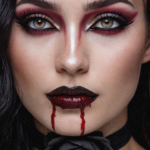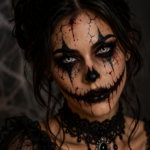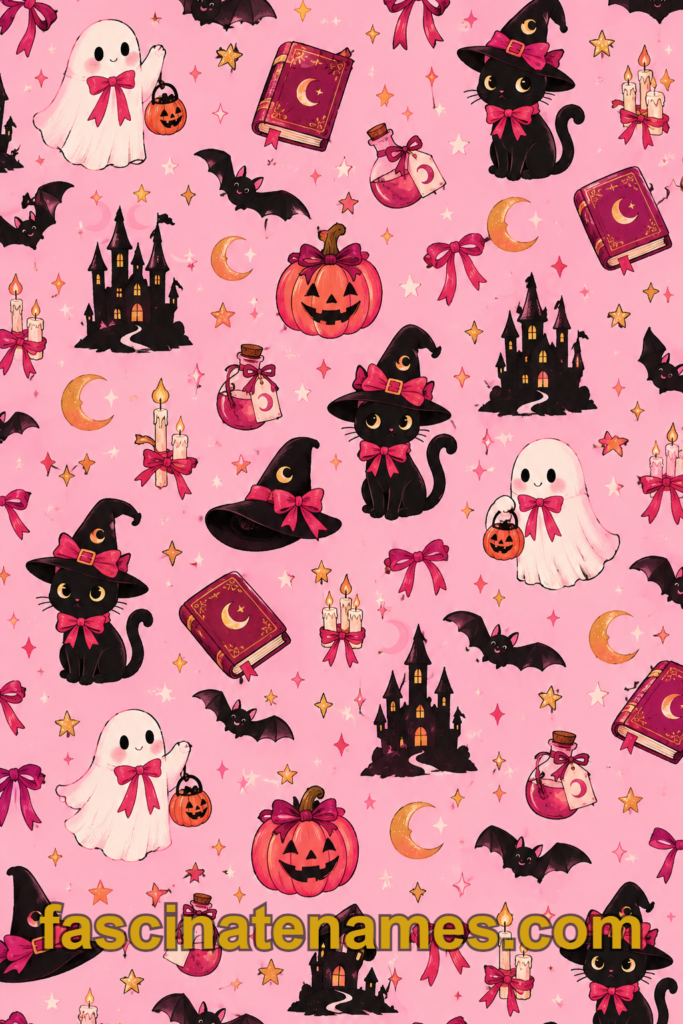
Few things set the mood for October like changing your screen or your walls. A new Halloween wallpaper turns an ordinary phone into a haunted lantern, a work laptop into a moonlit graveyard, or a plain hallway into a spooky mansion. This guide covers 20 ideas, from popular styles and screen sizes to free sources, setup steps, and home-decor options.
1. What Is Halloween Wallpaper?
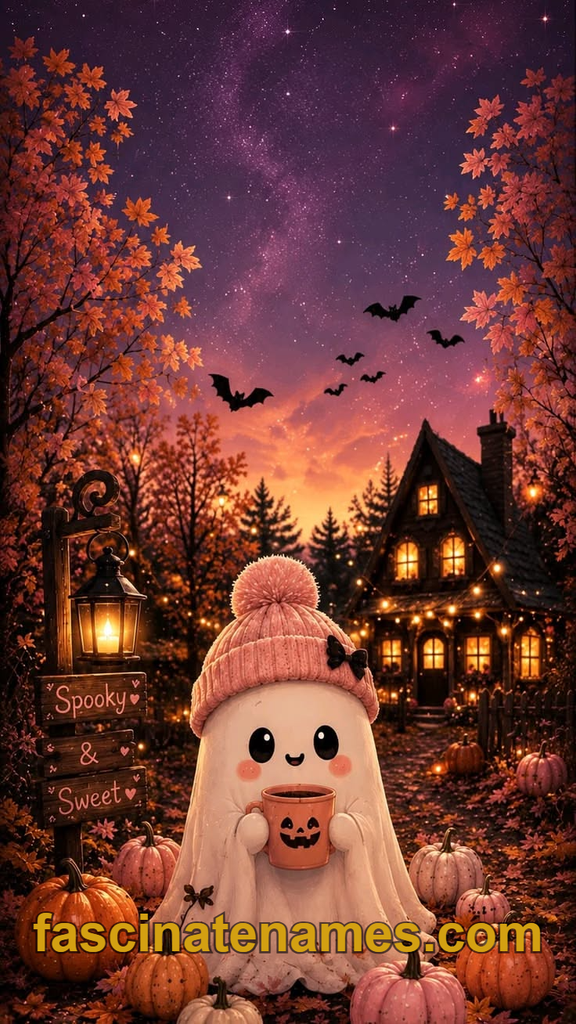
The term covers two different things. The first is digital wallpaper: images you set as the background on a phone, tablet, laptop, or desktop computer. The second is physical wallpaper: paper or vinyl coverings, including removable peel-and-stick versions, that decorate real walls.
Both share the same appeal. They are a low-effort way to get into the seasonal spirit without buying a lot of decorations. A digital wallpaper costs nothing, takes a minute to install, and can be changed back just as quickly. A physical wallpaper takes more planning, but it can make a room feel like a Halloween set for weeks. This guide covers both so you can choose what suits your space and your screens.
2. Why Halloween Wallpapers Are So Popular
Halloween has a strong visual identity. Orange and black, glowing pumpkins, silhouettes of bats, and moonlit skies are recognized instantly, which makes them ideal for backgrounds. Wallpapers also give people a simple way to take part in the holiday, even if they do not host parties or wear costumes.
There is a social side too. Many people share their seasonal screens online, and themed wallpapers are a common part of “fall refresh” routines that include new playlists, candles, and cozy decor. Because they are free or inexpensive and easy to change, wallpapers are a low-commitment tradition. You can enjoy a spooky screen for the whole month, then switch to a fall or winter theme in November.
3. Popular Halloween Wallpaper Styles at a Glance
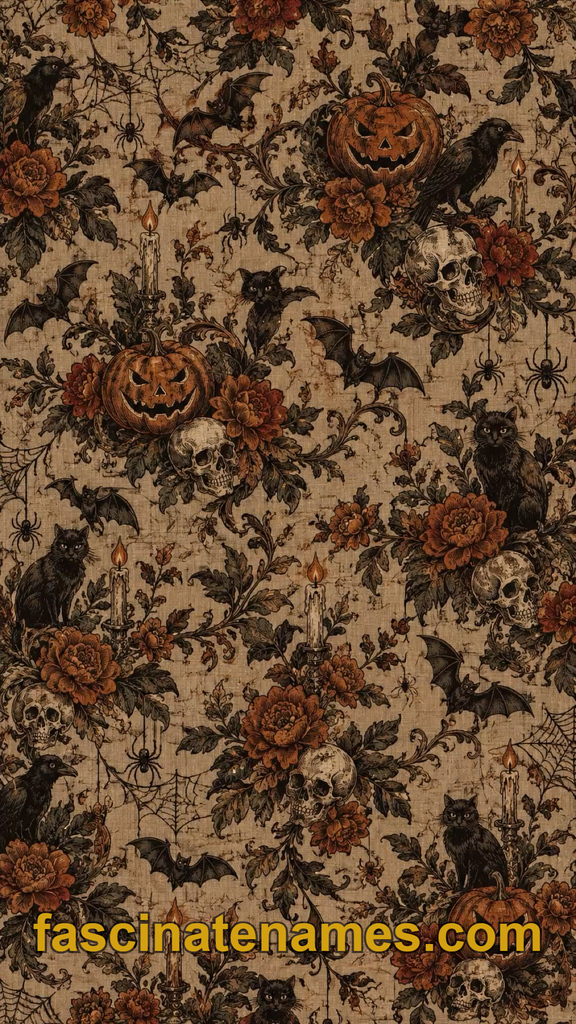
Halloween wallpaper comes in many moods, and knowing the main categories helps you narrow your search. Some are cute and playful, others are moody and cinematic, and some are clean and minimal.
Common styles include:
- Classic: pumpkins, jack-o’-lanterns, and full moons
- Gothic: haunted houses, castles, and misty graveyards
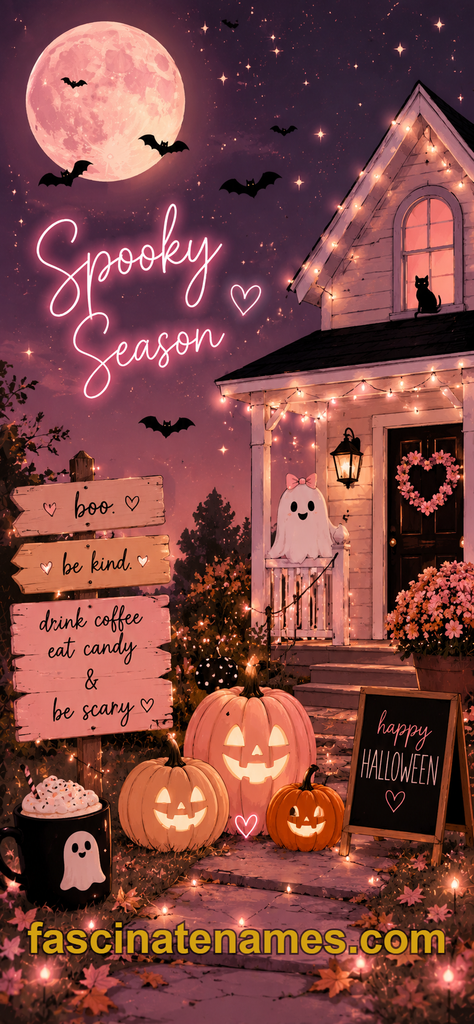
- Cute: smiling ghosts, tiny pumpkins, and pastel colors
- Minimalist: a single icon on a solid or gradient background
- Vintage: retro illustrations with faded, print-style textures
- Cozy autumn: candles, leaves, and warm lighting
Think about who will see the screen and how you use your device. A glossy horror scene might be great for a personal laptop, but a softer look may be a better fit for a shared or work computer.
4. Pumpkin and Jack-o’-Lantern Wallpapers
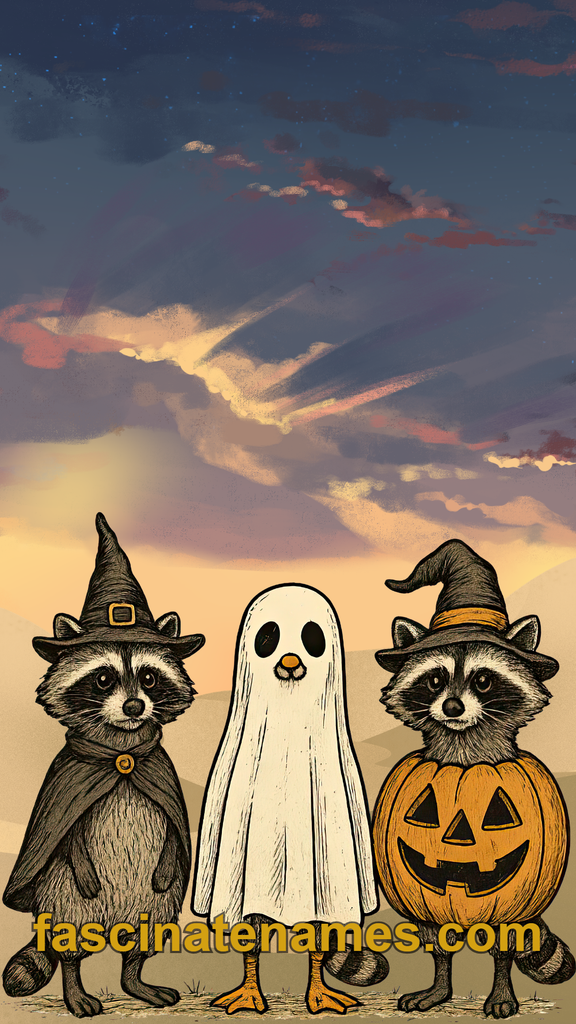
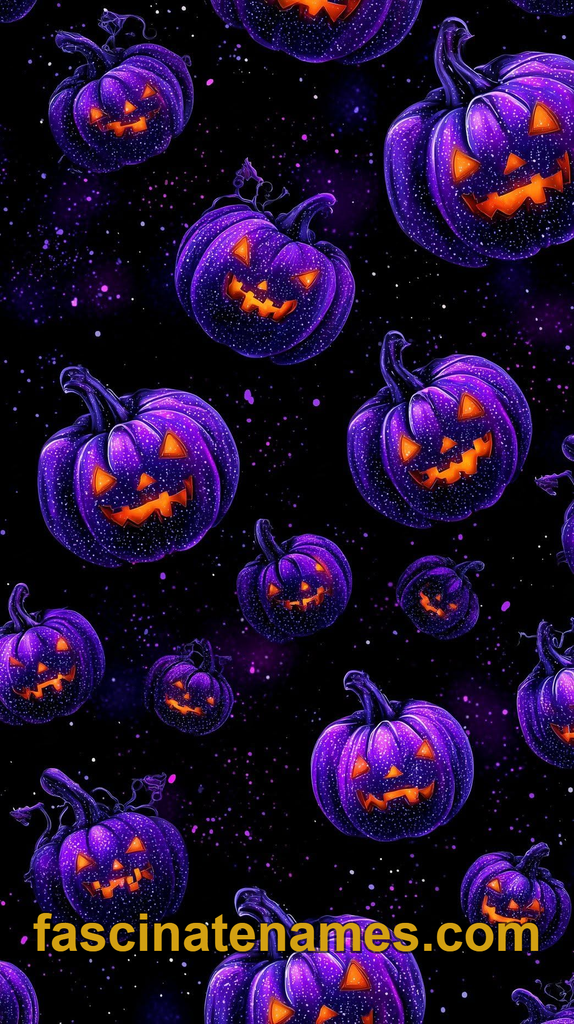
Pumpkins are the most recognizable symbol of Halloween, and wallpapers featuring them are always in demand. The category ranges from realistic photographs of carved jack-o’-lanterns glowing in the dark to hand-drawn illustrations and playful patterns of tiny pumpkins.
Photographic pumpkin wallpapers look especially good on phones because the glowing faces contrast against dark backgrounds. On lock screens, a single large pumpkin can frame the clock nicely. Illustrated pumpkins suit lighter, friendlier looks, particularly when combined with autumn leaves or soft gradients.
If you prefer a modern feel, look for abstract or geometric pumpkins built from simple shapes. These work well for people who want a seasonal touch without a busy image. Pumpkin wallpapers also pair naturally with fall in general, so they can stay on your screen from early October through Thanksgiving.
5. Haunted House and Gothic Wallpapers
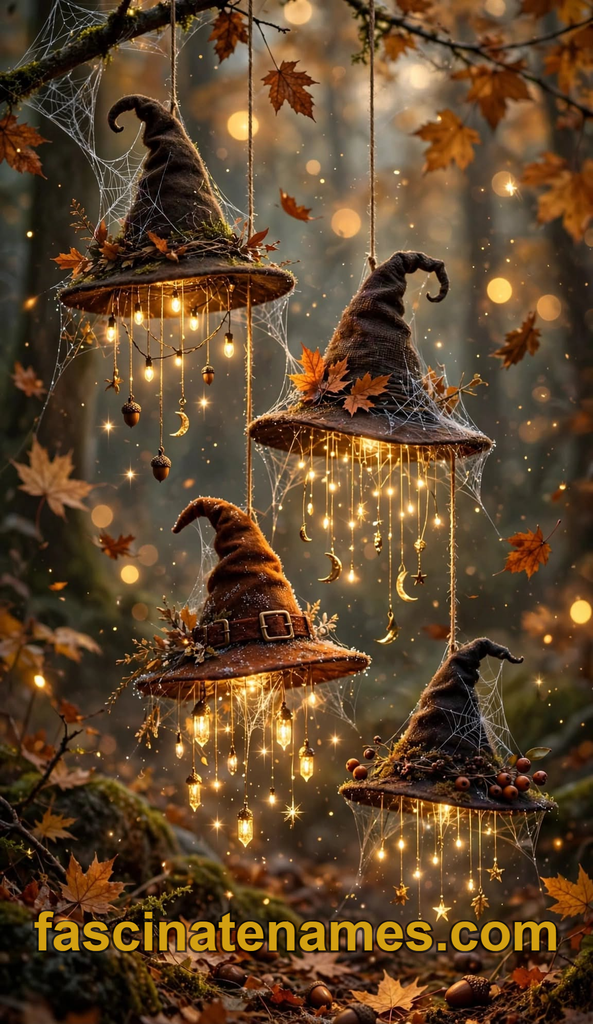
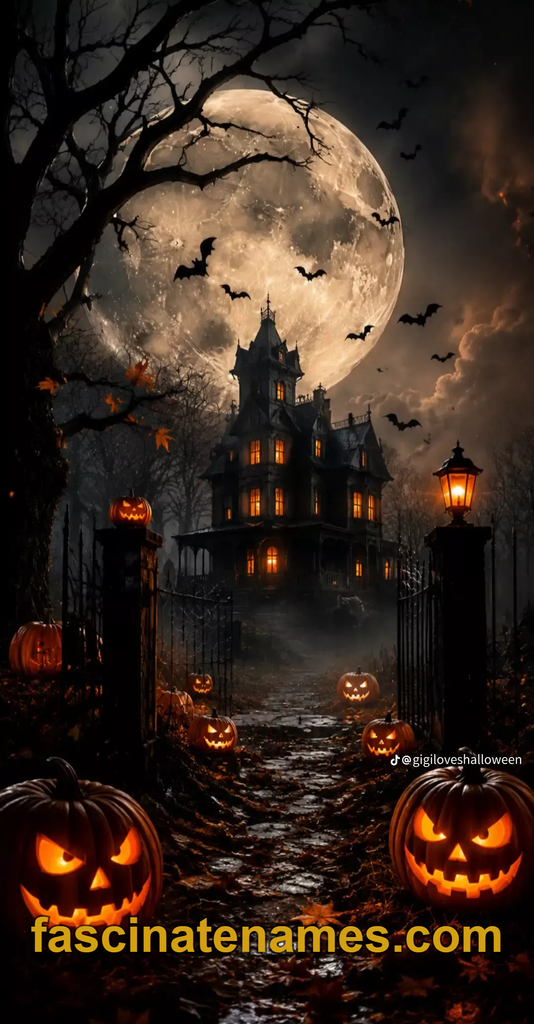
Haunted mansions, crooked castles, and fog-covered cemeteries deliver a dramatic, cinematic mood. These wallpapers often use deep blues, purples, and blacks, with a glowing window or a bright moon as the focal point.
They work well on desktops and laptops because a wide, landscape image can show off a full scene, including winding paths, bare trees, and silhouettes of bats. Many artists create layered illustrations with a sense of depth, which makes the scene feel almost like a movie poster.
For phones, look for vertical compositions where the house sits in the lower half of the screen and the sky fills the top. That leaves space for the clock and notifications. If you enjoy gothic architecture, you can also find wallpapers inspired by old libraries, cathedrals, and candlelit halls, which lean more toward “dark academia” than traditional horror.
6. Witches, Bats, and Black Cats
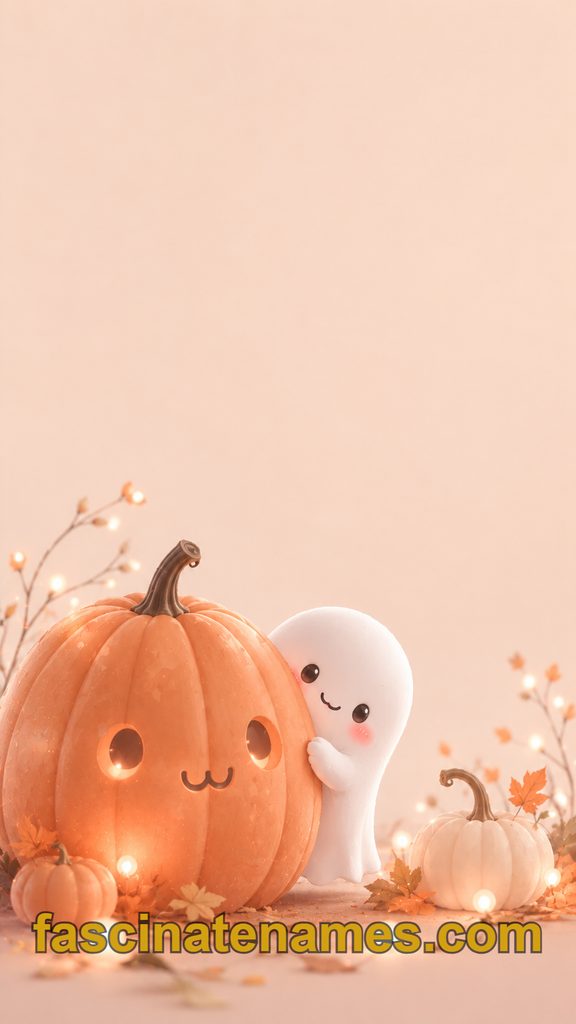
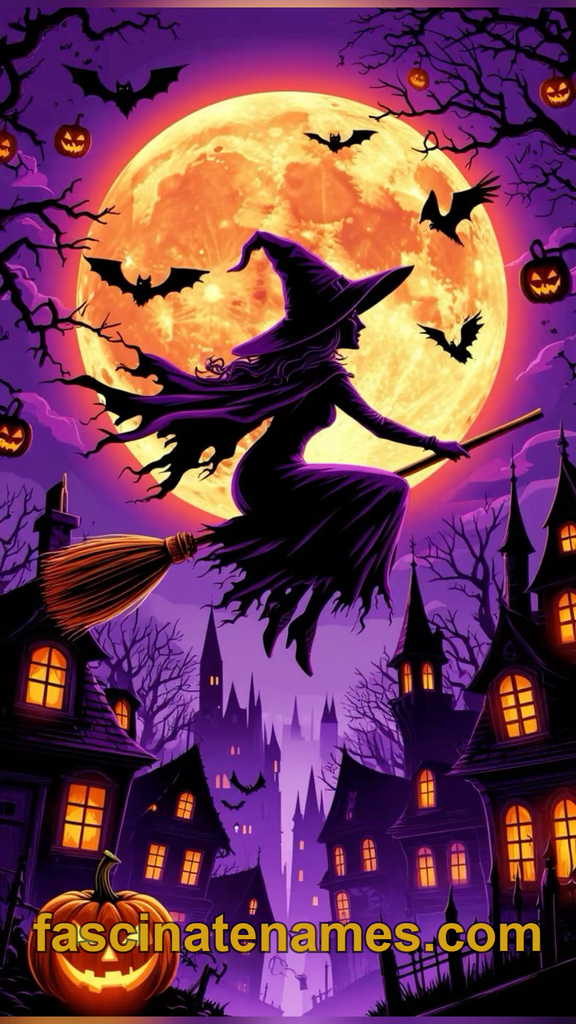
Witch silhouettes flying across a full moon are a timeless Halloween image. Bats, black cats, cauldrons, and broomsticks round out the classic cast. Because these designs rely on strong shapes, they look sharp on almost any screen size and remain easy to read even at small scales.
Silhouette wallpapers are particularly popular because they are clean and high contrast. A black cat on a fence under an orange moon, for example, delivers an instant Halloween feeling with very little visual clutter.
For a more whimsical look, choose illustrated witches with colorful hats, potion bottles, and starry skies. If you like a mystical style, botanical witch themes with dried herbs, crystals, and moon phases are also common. Whatever you choose, look for artwork with a clear focal point so your icons and widgets remain readable.
7. Cute and Kawaii Halloween Wallpapers
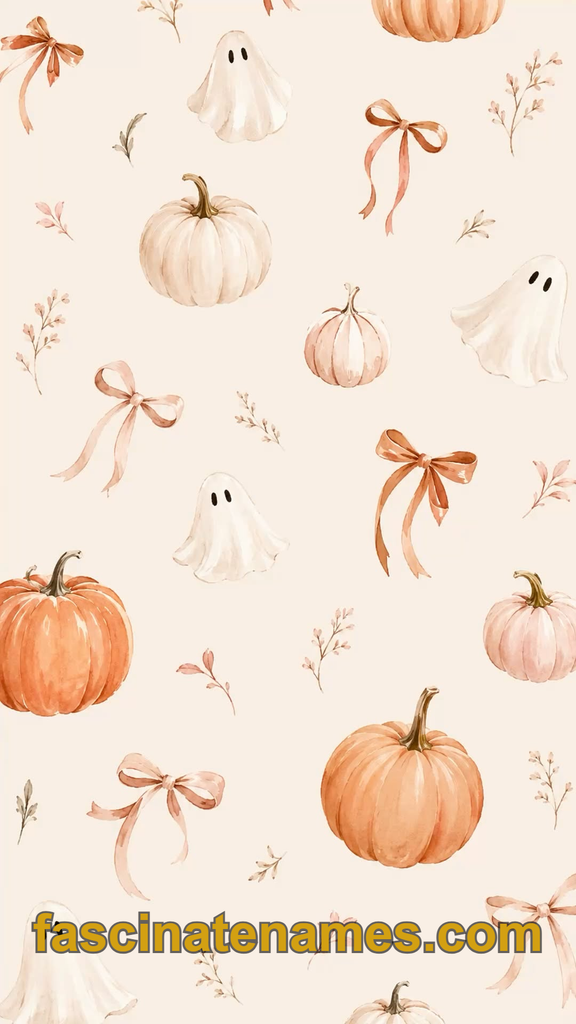
Not everyone wants a scary screen. Cute Halloween wallpapers turn the season into something sweet, with smiling ghosts, tiny pumpkins, candy corn, and cartoon bats in soft colors. Pastel palettes, including lavender, mint, peach, and baby pink, give a gentler alternative to traditional orange and black.
These wallpapers are popular with younger users, but plenty of adults enjoy them as a cheerful contrast to the spooky mood of the season. Patterned designs, where small icons repeat across the screen, are especially handy because they never look empty or unbalanced behind app icons.
If you want a personal touch, look for wallpapers with room to add a name, a date, or a short saying. Cute wallpapers are also a good choice for shared family tablets, where a friendly look suits users of all ages.
8. Minimalist Halloween Wallpapers
Minimalist wallpapers are for people who want a hint of Halloween without visual noise. Typical designs include a solid black background with a small orange moon, a gradient from purple to deep blue, or a single ghost outline in the center.
The benefits are practical as well as aesthetic. Simple wallpapers keep text and icons easy to read, and they look elegant on both lock screens and home screens. They also feel more professional, which is helpful if you use your computer at work or share your screen during meetings.
Some minimalist styles rely on texture instead of imagery, such as subtle paper grain, soft grain gradients, or a faint spiderweb pattern in the corner. If you like to change your wallpaper often, minimalist designs are easy to pair with different widgets and icon packs, so you can build a complete seasonal setup without clutter.
9. Aesthetic Halloween Wallpapers: Dark Academia, Cottagecore, and Vintage
“Aesthetic” wallpapers group images by mood and visual theme. For Halloween, a few looks stand out. Dark academia features candlelit desks, old books, and moody libraries. Cottagecore Halloween leans toward cozy cottages, pumpkin patches, and herbs hanging to dry. Vintage Halloween borrows from old greeting cards and mid-century decorations, with muted oranges, aged paper textures, and quirky illustrated figures.
Another popular direction is “cozy spooky,” which blends soft lighting and comforting scenes with gentle Halloween touches, such as a warm reading nook decorated with a small pumpkin and a candle.
These aesthetics are a good match if you want your screen to feel like a mood board. Try combining wallpaper with matching icon colors and a coordinated lock screen. Consistency makes the whole setup feel deliberate and polished.
10. Autumn and Harvest Halloween Wallpapers
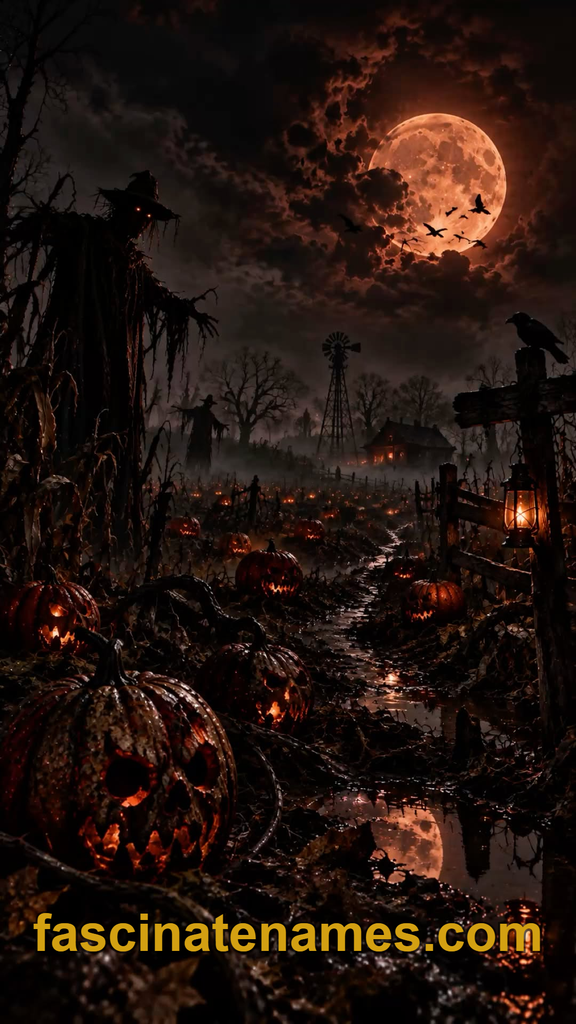
Halloween sits inside the larger fall season, so many wallpapers blend spooky elements with harvest imagery: falling leaves, corn stalks, scarecrows, hay bales, and warm sunsets. This style is a good choice if you want a wallpaper that works from late September through November.
Photographic autumn scenes, such as a misty forest path lined with orange trees, offer a calm, seasonal mood that still fits the holiday when paired with a distant pumpkin or lantern. Illustrated harvest scenes tend to feel warmer and more nostalgic.
Because these wallpapers are not overly scary, they suit shared devices, family computers, and workplaces. They also make a smooth transition into Thanksgiving. If you want to stretch one wallpaper across the whole season, an autumn design with a subtle Halloween accent is often the smartest option.
11. Halloween Wallpaper for Phones: Sizes and Lock Screens
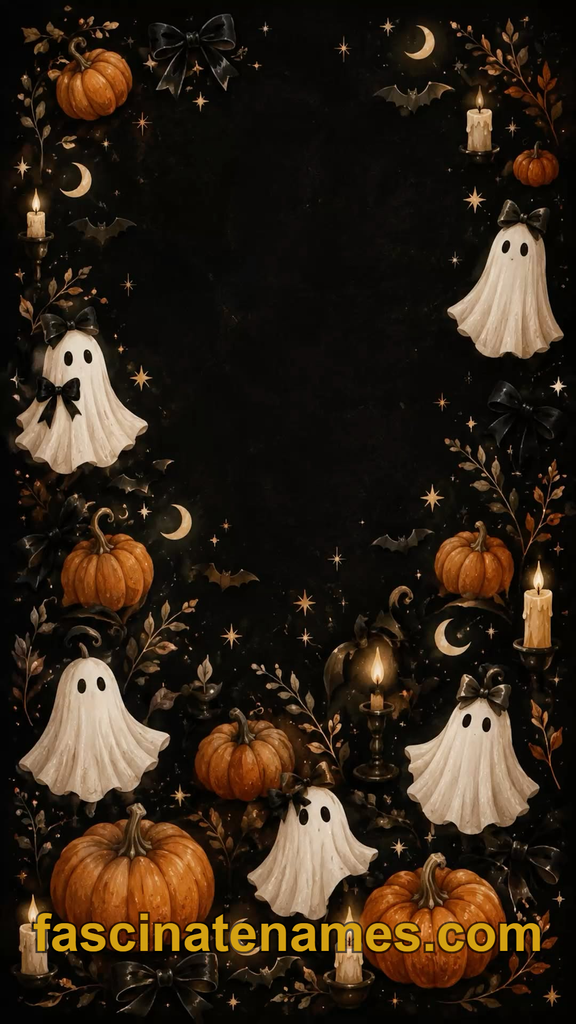
Phones have tall, narrow screens, so choose a vertical image. Most modern phones display images at around 1080 x 2400 pixels or higher, and many flagship models go beyond that. Choosing a wallpaper at or above your screen’s resolution keeps it sharp. If an image is too small, it may look blurry when stretched.
Lock screens have their own considerations. The clock and notifications usually sit near the top, so avoid images with a busy focal point there. Leave open space or a soft area where text can sit comfortably. On home screens, icons cover much of the picture, so patterns or darker backgrounds usually look best.
Many phones now let you set different wallpapers for the lock screen and home screen. A dramatic scene on the lock screen with a calmer, simpler pattern on the home screen is a popular pairing.
12. Halloween Desktop and Laptop Wallpapers
Desktop and laptop screens are wide, so choose a landscape image. Common resolutions include 1920 x 1080 (Full HD), 2560 x 1440, and 3840 x 2160 (4K). If your screen is high resolution, look for a matching or larger file to avoid pixelation.
Wide images give artists room for full scenes: a haunted village, a moonlit forest, or a row of glowing pumpkins. Many desktops also benefit from “negative space,” a calm area where files and shortcuts can sit without clutter. Consider placing the busiest part of the image on one side and leaving the other side clear.
Ultrawide monitors and dual-screen setups need special formats. Search for wallpapers labeled “ultrawide” or “dual monitor” so the image spans across screens without awkward cuts. A panoramic graveyard or skyline can look spectacular in this format.
13. Wallpapers for Tablets, Smart Displays, and Video Calls
Tablets usually have a squarer aspect ratio than phones, so an image that looks great on a phone may crop awkwardly. Look for wallpapers that state a tablet size, or choose designs with a centered focal point that survives cropping.
Smart displays and digital photo frames are another fun place for Halloween art. A rotating slideshow of seasonal images can turn a kitchen counter or living room shelf into a small gallery.
Video calls offer another use. Many meeting apps allow custom virtual backgrounds, and a subtle Halloween image can add some seasonal cheer to a team call. Choose something tasteful and check your workplace’s norms first. Simple backgrounds, like a softly lit room decorated with pumpkins, tend to be more comfortable for colleagues than a dramatic horror scene.
14. Animated and Live Halloween Wallpapers
Live wallpapers add motion: flickering candles, drifting fog, flying bats, or a pumpkin that glows and fades. On computers, animated wallpapers may come from dedicated wallpaper apps or from video files used as backgrounds. On phones, some operating systems support live or dynamic wallpapers, though features vary by device and software version.
Motion looks impressive, but it has trade-offs. Animated wallpapers can use extra battery and processing power, which matters on laptops and older phones. They can also be distracting if you work at your computer for hours.
If you want movement without the cost, consider a seasonal “dynamic” wallpaper that changes only when you unlock your device, or use an animated lock screen and keep your home screen still. Always download animated wallpapers from trustworthy sources, since files from unknown sites can carry security risks.
15. Where to Find Free Halloween Wallpapers
There are many places to look. Free stock photo and illustration sites offer seasonal collections, and some let you download in multiple sizes. Design communities and artist portfolios often include wallpaper packs, sometimes for free and sometimes as a paid or pay-what-you-want option. Your device’s built-in wallpaper gallery or app store may also feature seasonal options.
Two habits will keep you safe and fair to creators. First, check the license. Some images are free for personal use only, and others require credit to the artist. Second, avoid sites that ask you to install unknown software or click through suspicious pop-ups. A wallpaper should never require more than a simple image download.
Also be careful with wallpapers that feature copyrighted characters. Fan art is common online, but if you plan to use an image commercially or share it widely, you may need permission.
16. How to Set a Halloween Wallpaper on Any Device
Menu names change with software updates, but the basic steps are similar across devices:
- iPhone: open Settings, tap Wallpaper, choose to add a new wallpaper, and select your saved image. You can then set it for the lock screen, home screen, or both.
- Android: long-press on an empty area of the home screen or open Settings, look for a wallpaper or style option, and pick your image from the gallery.
- Windows: right-click the desktop, choose Personalize, then Background, and browse to your image.
- Mac: open System Settings, select Wallpaper, and add your image.
Before setting a wallpaper, save the file somewhere easy to find, such as your Photos app or Downloads folder. If the image looks cropped, most devices let you pinch to resize or reposition it. Consider making a small folder of seasonal favorites so you can rotate through them during October.
17. How to Make Your Own Halloween Wallpaper
Creating a custom wallpaper is easier than it sounds. Free and low-cost design tools include templates for phone and desktop sizes, so you can start with the correct dimensions. Add a background color or gradient, place shapes or illustrations, and finish with text if you like.
Ideas for personal wallpapers include:
- A pattern made from your own pumpkin-carving photos
- A photo of your neighborhood decorations with a subtle filter
- A collage of costume inspiration or a party countdown
- A calendar-style wallpaper listing October events
- A quote or short phrase in a spooky font
If you use AI image tools, follow their terms, review the results carefully, and avoid prompts that copy a living artist’s style or a protected character. A handmade wallpaper has a personal quality that downloaded images rarely match, and it can double as a reminder for your Halloween plans.
18. Halloween Wallpaper for Your Home: Peel-and-Stick Options
Physical wallpaper is a bolder way to celebrate. Traditional wallpaper is a long-term investment, so many people prefer removable peel-and-stick versions for seasonal projects. These are designed to stick to a smooth wall and come off later, which makes them popular with renters and anyone who likes to change decor.
Popular patterns include bats, moons, spiderwebs, pumpkins, ghosts, and gothic florals. Consider using them on an accent wall, inside a bookcase, behind a bar cart, or on a powder room wall, where a small space makes a big impact.
Before you buy, measure carefully, check the return policy, and test a small piece in an inconspicuous spot. Paint type, wall texture, and humidity can affect how well removable wallpaper sticks and how cleanly it comes off. Follow the manufacturer’s instructions for application and removal.
19. Wallpaper Tips: Readability, Battery, and Style Consistency
A few practical choices can improve your experience. For readability, pick images with clear areas where icons and text can sit. Very bright or busy wallpapers can make labels hard to read, so a darker overlay or a blurred version can help.
If your phone has an OLED screen, dark wallpapers can use somewhat less power than bright ones, though the difference is usually modest. Dark themes also feel easier on the eyes in low light.
For style consistency, match your wallpaper with your widgets, icons, and color settings. A purple-and-black wallpaper looks best with cool-toned icons, while an orange-toned autumn scene pairs well with warm colors. Do not forget accessibility: if you or someone using your device has trouble reading busy screens, choose simple, high-contrast wallpapers instead of complex art.
20. Final Thoughts
The best Halloween wallpaper is the one you enjoy seeing every day. Some people love a dramatic haunted mansion, others want a smiling pumpkin, and others prefer a quiet moon on a black background. All of these are valid ways to mark the season.
Start by choosing your device and screen size, then pick a style that matches your mood. Download from safe sources, respect artists’ licenses, and consider making your own for a personal touch. If you want to go further, extend the theme to your home with removable wallpaper or a simple accent wall. Change your wallpaper on October 1, enjoy it through Halloween night, and switch to a new seasonal look when November arrives.